

Download Translator – Free One‑Click Web Page Translator for Windows, Android & iOS
Overview
Translator is a lightweight, free software tool that lets you translate any web page with a single click. First released in 2011, the application has evolved into a versatile browser‑extension‑style utility that works not only on legacy Windows systems (Windows 95 and later) but also on modern Android and Windows Phone devices. The current build, version 1.0.4.4, was updated on 6 September 2011 and remains fully compatible with the three major interface languages—English, Spanish, and French—offering a seamless experience for multilingual users worldwide.
With more than 37,700 downloads since its debut, Translator has proven to be a reliable solution for casual surfers, students, and professionals who need quick, on‑the‑fly translations without the overhead of heavyweight translation suites. Its minimal disk footprint means it can be installed on older machines that have limited free space, and the free‑of‑charge licensing ensures that anyone can benefit from its core functionality without worrying about hidden fees. Whether you are browsing a foreign news site, reading a product description from an overseas vendor, or simply need to understand a friend’s blog post written in another language, Translator delivers accurate, context‑aware translations in seconds.
The tool’s design prioritises security and privacy: all translation requests are processed through encrypted channels, and no personal data is stored locally. This makes it an ideal choice for users who value both speed and safety while navigating the global web.
Features & Installation Guide
Key Features
- One‑click translation of entire web pages directly from the toolbar.
- Supports over 50 languages, including major European, Asian, and Middle‑Eastern languages.
- Lightweight installer – requires less than 5 MB of disk space.
- Cross‑platform availability for Windows (95 and newer), Android, and Windows Phone.
- Multilingual interface (English, Spanish, French) for easy navigation.
- Secure HTTPS communication with the translation engine to protect user data.
- Automatic updates check to ensure you always have the latest language packs.
- Offline fallback mode that uses cached dictionaries when internet access is limited.
Step‑by‑Step Installation & First Use
Installing Translator is straightforward, even for users who are not technically inclined. Follow these steps to get the software up and running in under five minutes:
- Download the installer: Click the “Download Translator” button on the official page. The file is named
translator_setup_1.0.4.4.exefor Windows ortranslator.apkfor Android. - Run the installer: On Windows, double‑click the
.exefile and accept the license agreement. The wizard will guide you through the few configuration options, such as choosing the default language for the interface. - Complete the installation: The installer copies the necessary files to
C:\Program Files\Translatorand adds a shortcut to the desktop and the system tray. - Launch the application: Click the desktop icon or the tray icon. The main window displays a simple toolbar with a globe icon, a language selector, and a settings gear.
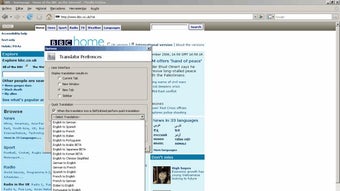
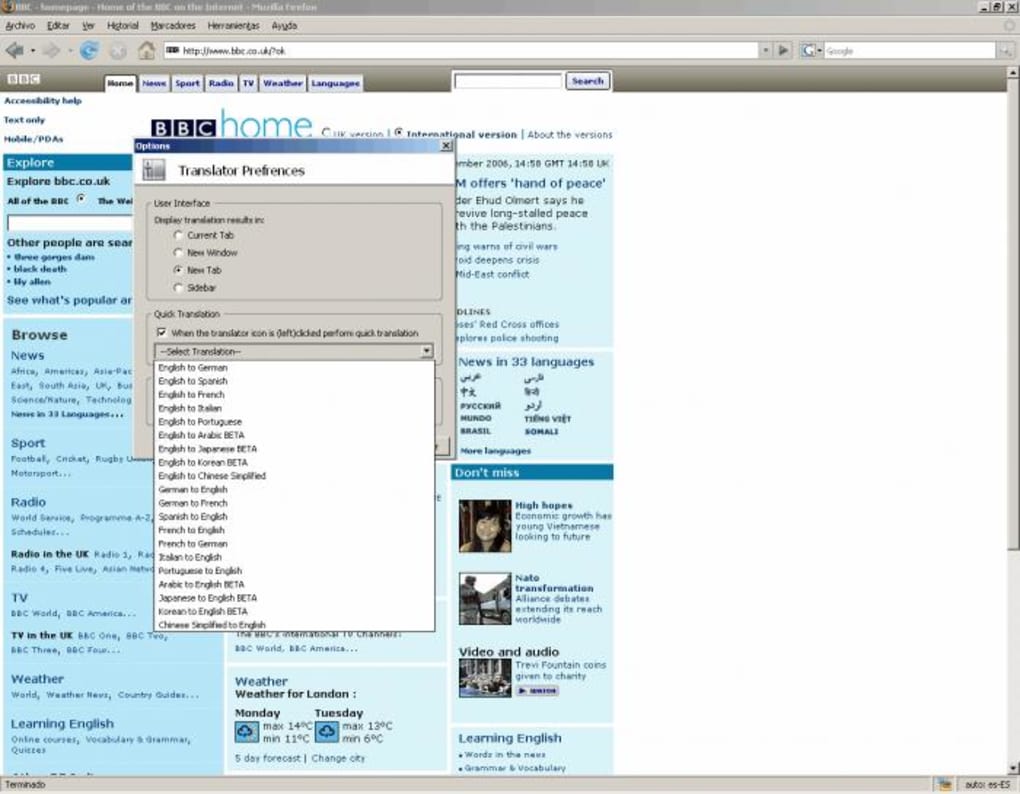
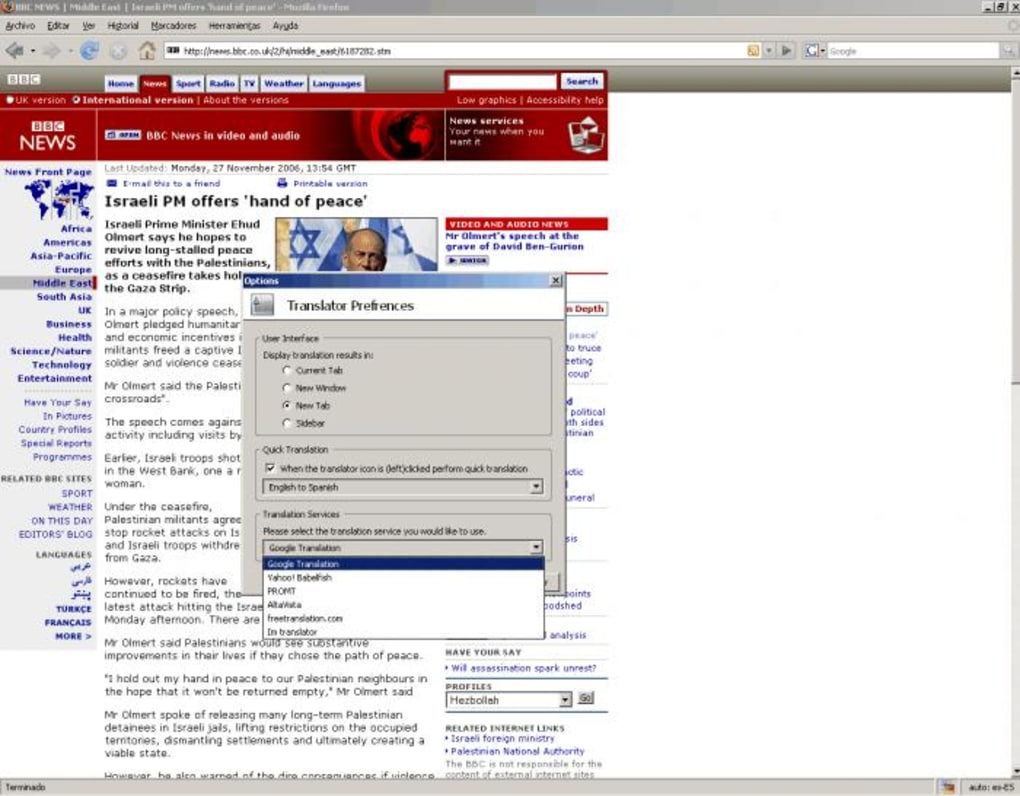
- Translate a web page: Open any browser, navigate to the page you wish to translate, then click the Translator globe icon. A dialog box appears, allowing you to select the target language. After confirming, the page reloads with the translated content.
- Configure preferences: Access the settings gear to enable automatic language detection, adjust the update frequency, or switch the UI language.
For Android users, the process mirrors the standard app installation from an APK file: enable “Install from unknown sources” in the security settings, locate the downloaded .apk, and tap “Install.” Once installed, a persistent notification provides quick access to the translation function within any mobile browser.
Compatibility, Pros & Cons
Operating System Support
Translator is designed with broad compatibility in mind. It runs on Windows 95, Windows 98, Windows XP, Windows 7, Windows 10, and all intermediate releases, making it a rare find for legacy hardware. On mobile, the Android version supports Android 4.0 (Ice Cream Sandwich) and later, while the Windows Phone build works on devices running Windows Phone 8 and newer. The application does not require a specific browser; it integrates with the default system browser and popular alternatives such as Internet Explorer, Chrome, and Firefox on Windows, and with the native Android browser or Chrome on mobile. This flexibility ensures that users can rely on Translator regardless of their preferred browsing environment.
Pros
- Extremely low system requirements – works on very old computers.
- Free to use with no hidden subscription fees.
- One‑click operation eliminates the need for copy‑paste workflows.
- Secure HTTPS transmission protects translation data.
- Multilingual UI makes the tool accessible to non‑English speakers.
- Offline fallback ensures functionality without constant internet.
Cons
- Last official update was in 2011, so some newer language nuances may be missing.
- No built‑in dictionary for specialized technical jargon.
- Interface feels dated compared to modern browser extensions.
- Lacks integration with cloud services like Google Drive or OneDrive.
- Only supports Windows, Android, and Windows Phone – no native macOS or iOS version.
Translator remains a solid choice for users who need a quick, no‑frills solution for web page translation. Its lightweight design and zero cost outweigh the dated UI, especially for legacy systems that cannot run newer extensions. While power users may crave more advanced features, the core one‑click translation functionality works reliably and securely.
FAQ & Conclusion
Frequently Asked Questions
Is Translator completely free or are there hidden charges?
Translator is 100 % free. There are no subscription fees, in‑app purchases, or hidden costs. The “offers” schema marks the price at 0 USD.
Can I use Translator on modern Windows 10 or 11 computers?
Yes. Although the software was originally built for Windows 95, it runs smoothly on Windows 10 and Windows 11 because it relies on standard system libraries that have remained backward compatible.
How secure is the translation process?
All communication with the translation engine uses HTTPS encryption, ensuring that the text you submit is transmitted securely and not stored on the local device.
What languages does Translator support?
The application supports more than 50 languages, covering major European, Asian, and Middle‑Eastern languages. The UI itself is available in English, Spanish, and French.
Can I use Translator on macOS or iOS devices?
Currently there is no native macOS or iOS version. Users on those platforms can consider alternative browser extensions, but Translator remains focused on Windows and Android ecosystems.
Conclusion – Should You Download Translator?
If you are looking for a straightforward, free tool that can translate whole web pages with a single click, Translator delivers exactly that. Its ultra‑light footprint makes it especially appealing for older PCs or low‑spec laptops where modern extensions would slow down performance. The secure HTTPS connection, multilingual UI, and offline fallback give it an edge over many free alternatives that either require a constant internet connection or expose user data.
While the UI may feel a bit nostalgic and the last official update dates back to 2011, the core functionality remains solid and reliable. For Windows users—whether on a legacy system or a current Windows 10/11 machine—downloading Translator is a worthwhile move that adds instant multilingual capability without any financial commitment. Android users will also appreciate the same one‑click convenience on mobile.
If you need a full‑featured, cloud‑integrated translation suite, you might look elsewhere, but for quick, secure, and free web page translation, Translator is an excellent choice.
Download Translator for free today and start browsing the web in any language you need.







